Tested workflows, ready to run

CoreWeave
Physical AI Launchables

CoreWeave Physical AI Launchables gives your team a catalog of ready-to-run Templates for robotics and autonomous vehicle programs. Each Template runs on a configuration tested and maintained by CoreWeave and delivers an exact report of results.

WHAT ARE LAUNCHABLES?

Ready-to-run physical AI workflows, maintained by CoreWeave

Each Template carries a manifest that declares what it needs and what it returns, the software at pinned versions, a configuration tested on CoreWeave, the execution path that runs it, and the results it delivers. A workload that runs once is a demo. A qualified Template is a foundation your team can build on.
Why Templates

Focus on innovation, not infrastructure

Physical AI teams should be free to focus on building better models, policies, and products. Rely on Templates we maintain instead of a toolchain you build and manage yourself. Templates address the key challenges your team faces every day.

Wasting time

Every Template ships tested on CoreWeave, with the environment, configuration, execution, and result collection already packaged. Your engineers work on the task, not the tool.

Switching tools

Runtimes, drivers, and licenses change. Keeping Templates working is our job, not yours. Every Template follows the same conventions for inputs, launch, and results, so setup carries over to the next workload.

Missing insights

Every Template reports whether it ran, whether all the outputs arrived, and how they scored. If anything is missing, the Template tells you. Then you judge the results against your own criteria.

Infrastructure is what we do. Leave it to us and get back to building.

Built around the physical AI loop

Physical AI teams work in a loop. They generate data in simulation, curate it, train a policy, and evaluate the result, then carry what they learn into the next round. Every stage runs on its own tools with its own setup. Templates cover the loop one workload at a time, starting with generation, evaluation, and policy training today.

Our template catalog

Your tools. Our Templates.

The catalog is organized by the software your team already uses, with Templates underneath for specific jobs: a scene to generate, a scenario set to score, a policy to train. Every tool also ships a blank: the tested environment, with the workload left to you.

NVIDIA Isaac Sim™

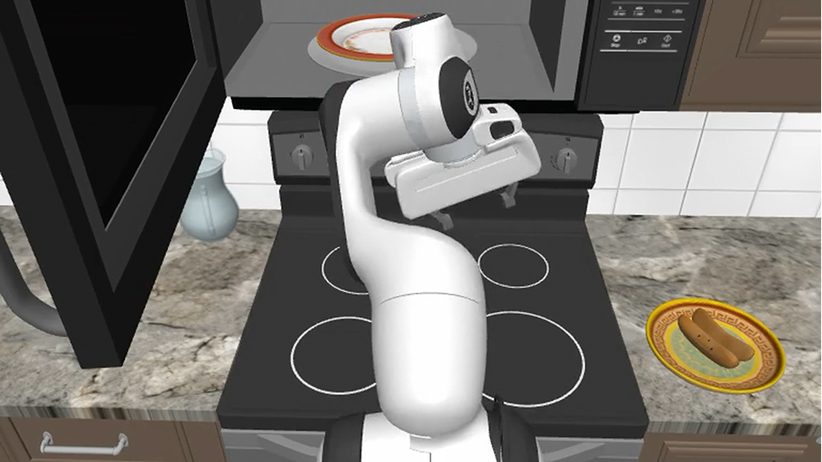
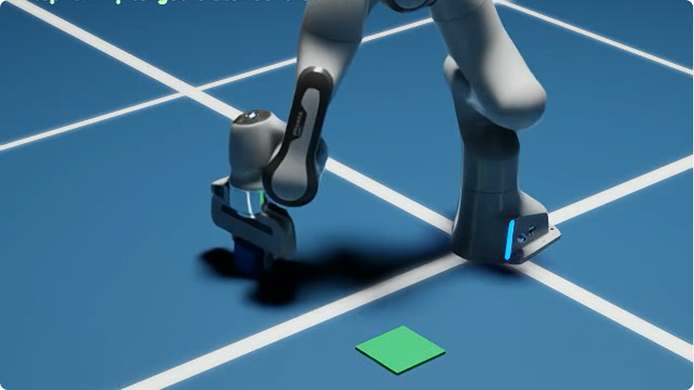
Robot and vehicle simulation with photoreal rendering, used for manipulation evaluation and synthetic data generation.

CARLA

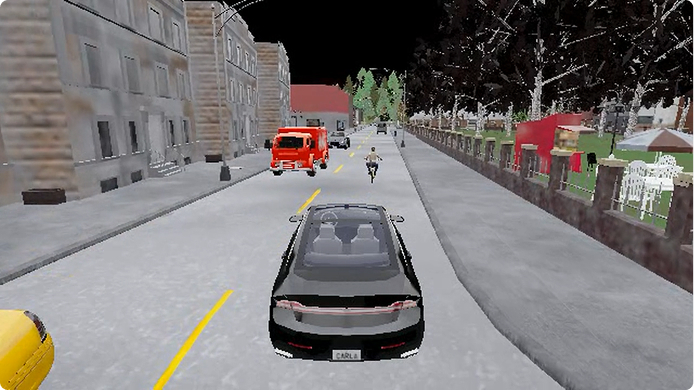
Open-source driving simulator for scoring a policy across a scenario matrix.

MuJoCo

Physics simulation for contact-rich manipulation and GPU-parallel reinforcement learning.

NVIDIA AlpaSim

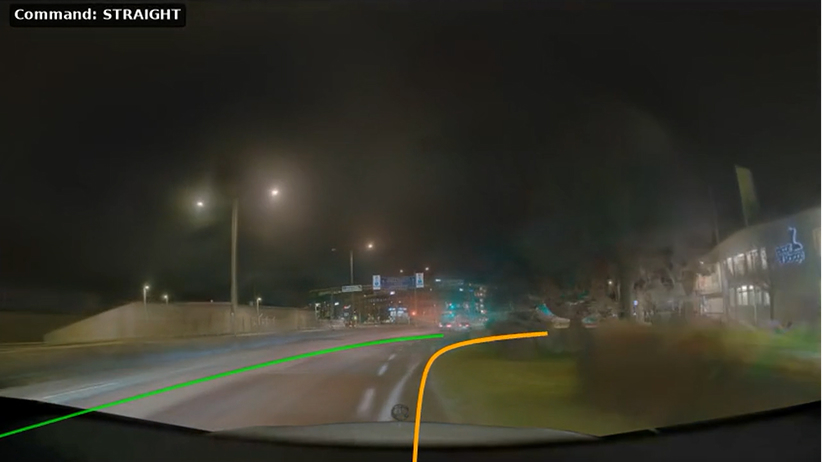
Closed-loop driving simulation, where each decision re-enters the environment and compounding errors surface.

NVIDIA Cosmos 3

World-model video generation for scenarios that are rare or costly to capture.

How it works

Four steps. Same for every workload.

Once you’ve run one, you can run them all.

Choose

Pick a Template

Each Template lists what’s been tested and where supported behavior ends.

Configure

Adjust it for your question

Point the Template at your data, then set the run config: which scenarios, how long, how many repeats, what counts as a pass, and what comes back.

Launch

Launch it

All it takes is one command, whether a person issues it or an agent. You get an estimate of GPU-seconds required before anything starts.

 Inspect

Review the results

Execution, outputs, and results come back as three separate facts. Inputs are recorded, so any run can be set up again from its record.

Templates remove the infrastructure management, not the engineering judgment.

One workload

From a plan to inspectable results

Define driving scenarios across towns, weather, and traffic. Run them in parallel. Get back recordings and per-scenario results.

A finished job isn’t proof that every scenario ran, or that any of them passed. A CARLA campaign reports three things separately: whether execution completed, whether outputs came back for every scenario, and how the results scored against your driving criteria. Delivered separately, they tell your team exactly what to do next.

AGENTIC OPERATION

Give your agents the keys

Everything you just watched a person do, an agent can do too

Agent skills know what to try

NVIDIA publishes reference AI agent skills across its physical AI software, and other tools your team uses are doing the same. Knowing what to try is one thing, but having somewhere to run it is another.

Templates clear the way

A Template arrives ready on CoreWeave, and ships with CoreWeave’s own agent skills. Every operation is documented and every response machine-readable, so your agent can launch the run itself.

Now your agent can run the show

The Template reports what the run produced separately from whether the job finished. So your agent can change one thing, run again, and know whether it helped.

UNDER THE HOOD

Hardware matched to the workload

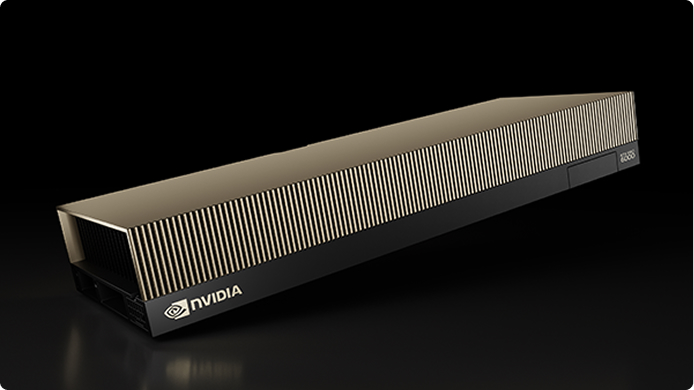
The right GPU depends on the work. For rendering-heavy simulation and video workloads, that’s often NVIDIA RTX PRO 6000 Blackwell Server Edition, with RT Cores for rendering and hardware video encoding. It’s our default. We choose the hardware and configuration for each Template.

NVIDIA RTX PRO 6000 Blackwell Server Edition

for simulation and rendering

RT Cores and NVIDIA NVENC

for rendering and hardware video encoding where the workload needs it

FAQs

The details

Straight answers on what’s available, what’s qualified, and what stays yours.

What is available today?

What does “qualified” mean?

How much can I change about a Template?

Do the checks tell me my model is correct?

Do I need a platform team to run this?

What happens when a runtime, driver or license changes?

How is this different from a reference implementation or example repo?

Does this replace the tools we already use?

What comes after Templates?

Which GPUs does each Template run on?

Resources

Explore CoreWeave Physical AI

Go deeper with blogs, technical guides, and more.

PRESS RELEASE

CoreWeave Unveils Physical AI Launchables, Taking the Setup Work Out of Robotics and AV Development

Blog

Introducing CoreWeave Physical AI Launchables

Solution brief

Run Physical AI Workloads with One Command

Get Started

Run a Template with your data

Tell us which tool and workload you want to run. Your account team will set up a Template on your own data.

COREWEAVE FOR PHYSICAL AI

More than a cloud.
The full physical AI stack.

CoreWeave Physical AI Launchables sits inside CoreWeave for Physical AI, alongside the infrastructure, the field engineering team, and the partner ecosystem around it.