


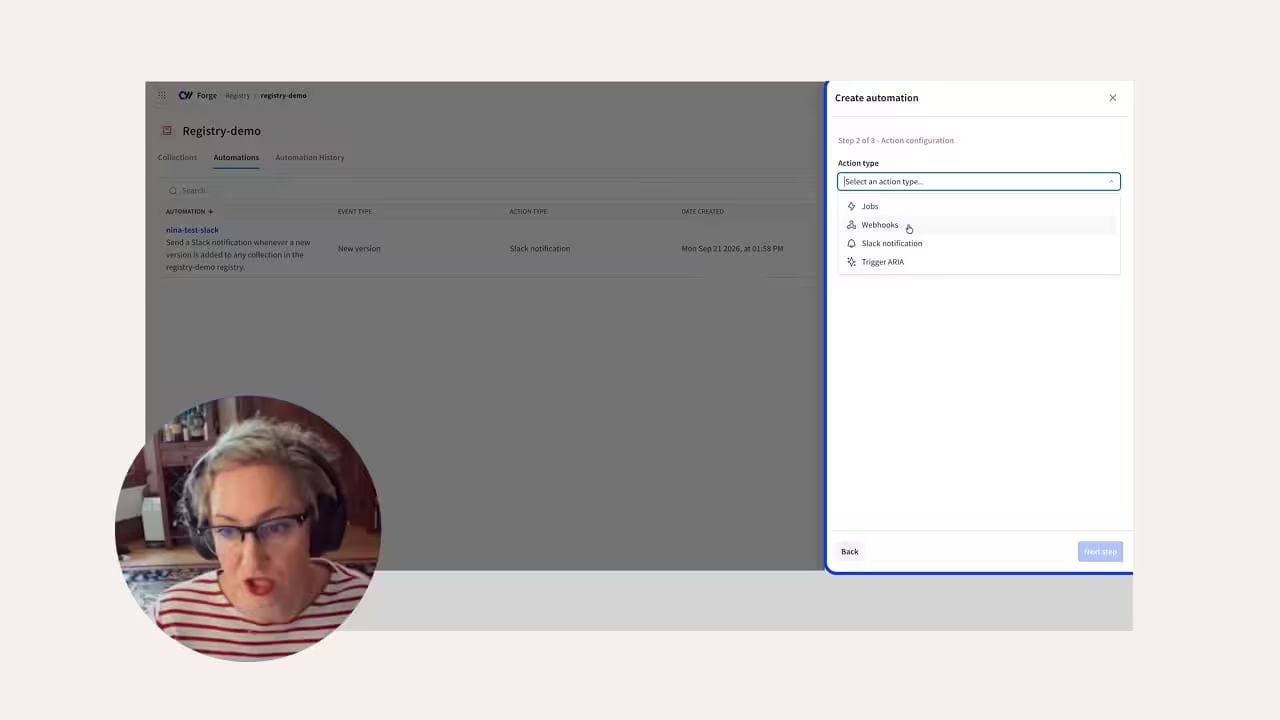

As AI work scales, the assets behind it pile up: models, datasets, evals, LoRAs, and more. Teams need to find, reuse, and govern them. CoreWeave Registry gives your organization a single place to manage all durable AI assets. In this walkthrough, CoreWeave Product Manager Nina Olding shows how to bring assets into Registry, work with them, and move them toward production.
You can open Registry from the CoreWeave Forge homepage. From there, you can import a model from Hugging Face, create a LoRA to serve on serverless inference with a supported base model, or link artifacts from Weights & Biases Models. Once an asset is linked, you can see its lineage, browse versions and manage tags and aliases. You can also deploy it to a temporary test environment to run requests against a live endpoint.


